In this guide
You will need
- One folder on your computer or phone
- A plain text note where you write your naming rule
- Ten minutes a week
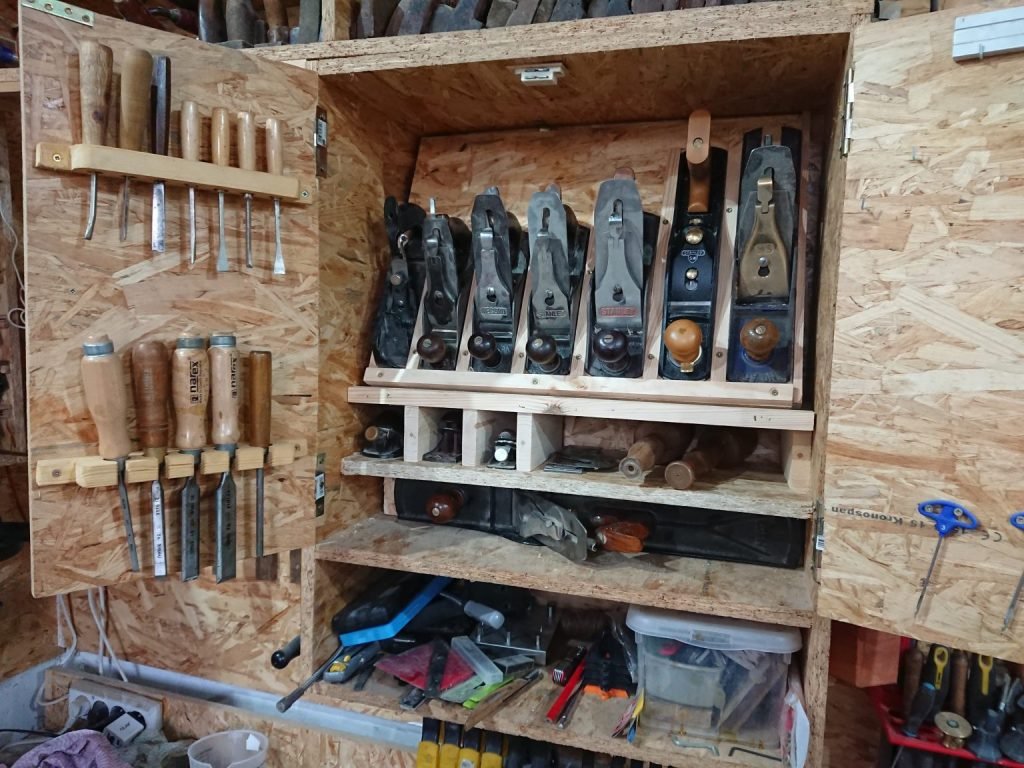
A reference library fails when finding something takes longer than making it again. The fix is not new software. It is a few rules that you keep, in the same way a well-kept tool cabinet gives every tool a place you can see at a glance.
Keep one inbox
Everything you save goes into one folder called Inbox first: photographs, screenshots, scans of notebook pages. Never file at the moment of saving. That is when you are least able to choose well.
Use three folders, not thirty
Create three top-level folders that match how you look things up. For the guides on this site they are Objects, Places and Surfaces. If a fourth keeps suggesting itself for a month, add it then, not before.
Name files so they sort themselves
Use date, place and subject, separated by underscores: 2026-09-14_workbench_scissors.jpg. Putting the date first sorts everything in time order; plain words make search work on any system, with no tagging app to maintain.
Review weekly for ten minutes
Once a week, empty the Inbox. Rename, file, and delete anything you would not miss. If an item does not fit any folder, it probably does not belong in the library.
Test the library
Ask yourself for something specific, such as “soft light on stone”, and time the search. If it takes longer than ten seconds, change a folder or a file name rather than trying harder to remember.